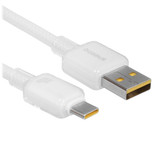
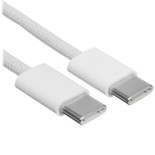
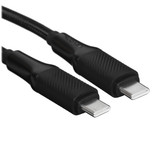
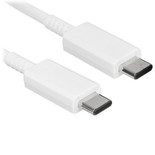
HUAWEI Fast Charge, Power Delivery, HUAWEI Super Charge, Quick Charge, Samsung Adaptive Fast Charging
Wireless Charging
none
Low-Power Device Charging
yes
Safety Features
overheating, overload protection, short circuit
Design features
Magnetic Positioning
none
Display
none
Flashlight
yes
Additional Information
CCC Certificate
none
Package Contents
USB Type-C - USB Type-C cable, documentation
Dimensions and Weight
Height
229.8 mm
Width
113.9 mm
Depth
93.7 mm
Weight
2386 g
Packaged Dimensions and Weight
Package Width
160 mm
Package Height
270 mm
Packaging Depth
140 mm
Packaged Weight
2750 g
Description
The Romoss PMT75 power bank has a capacity of 75,000 mAh, rated for 2500 recharge cycles. Recharging the accessory takes up to 2 h. The design of the gray metal housing includes a handle for transporting the model.
The Romoss PMT75 power bank is equipped with a flashlight for convenient use in low ambient lighting conditions. The configuration includes USB Type-A and USB Type-C ports for charging a smartphone, tablet, or headphones via cable. The device power button is located on the top part of the housing.