Chrome OS, Mac OS X, Windows 10, Windows 8, Windows 8.1
Cable Length
150 cm
Design
Backlight
none
Mounting
monitor mount, tripod mount
Webcam Shutter
yes
Camera Count
1 pcs
Additional Information
Face Tracking
yes
Remote Control
none
Package Contents
lens cap, documentation
Extra
protective curtain
Dimensions and Weight
Length
31.5 mm
Width
110 mm
Thickness
51.5 mm
Weight
121 g
Description
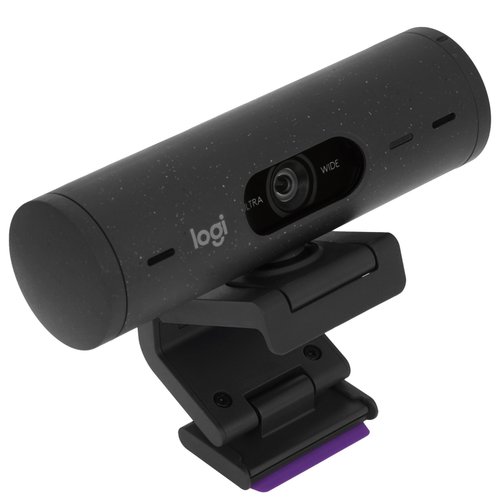
The Logitech BRIO 505 webcam is suitable for streaming and video conferencing. The model uses a 4 MP sensor and a 90-degree field of view lens. This allows the camera to capture more space. The device supports 2 video recording and streaming modes. At 60 fps, the video stream reaches a resolution of 1280x720. For 1920x1080 resolution, you need to activate the 30 fps recording mode. Thanks to noise reduction, the dual microphone transmits voice clearly.
A notable feature of the Logitech BRIO 505 is the "Face Tracking" function. It helps keep focus on the user's face when moving. The camera can be attached to a monitor using a clip, or mounted on a tripod. It connects via a 1.5 m cable with a USB Type-C interface. The swivel housing design allows you to rotate the camera to capture the desktop. In RightSight 4 mode, the device adjusts depending on lighting conditions.