Chrome OS, Windows 11, Android 5.0 and higher, Windows 7, Mac OS 10.6 and newer, Windows 10, Windows 8
Cable Length
150 cm
Design
Backlight
none
Mounting
universal
Webcam Shutter
none
Camera Count
1 pcs
Tilt Angle
68 deg
Additional Information
Remote Control
none
Package Contents
tripod, documentation
Dimensions and Weight
Length
125 mm
Width
100 mm
Thickness
48 mm
Weight
150 g
Description
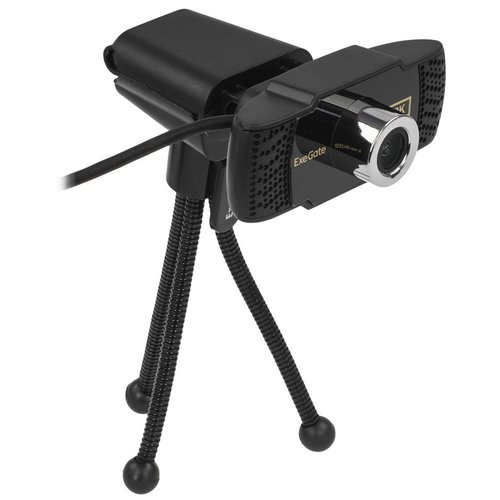
The ExeGate BusinessPro C922 2K Tripod webcam with a CMOS sensor and a resolution of 2560×1440 pixels captures crisp, detailed video without visual defects. The model can be connected to a PC, laptop, smartphone, or tablet running Android, Chrome OS, macOS, and Windows. Manual focus technology allows you to precisely adjust sharpness and focus when you need to concentrate on a specific object. The device is equipped with a noise-canceling microphone. This technology helps eliminate ambient noise and transmits clear voice without external interference.
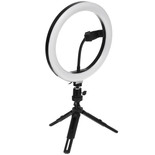
The ExeGate BusinessPro C922 2K Tripod webcam comes with a flexible 3-axis tripod, allowing it to be placed on horizontal surfaces. Thanks to the universal mount, the camera can be secured to a monitor, shelf, or any stand. The model connects to the host device via a USB Type-A cable.